How to Convert HEIC to JPG
Turn iPhone HEIC photos into widely supported JPG files without installing software or uploading your photos.
The fastest way to convert a HEIC photo is to use a browser tool that processes the file on your own device. Select your photos, choose JPG, convert locally, and download the result. Your original files stay in your browser.
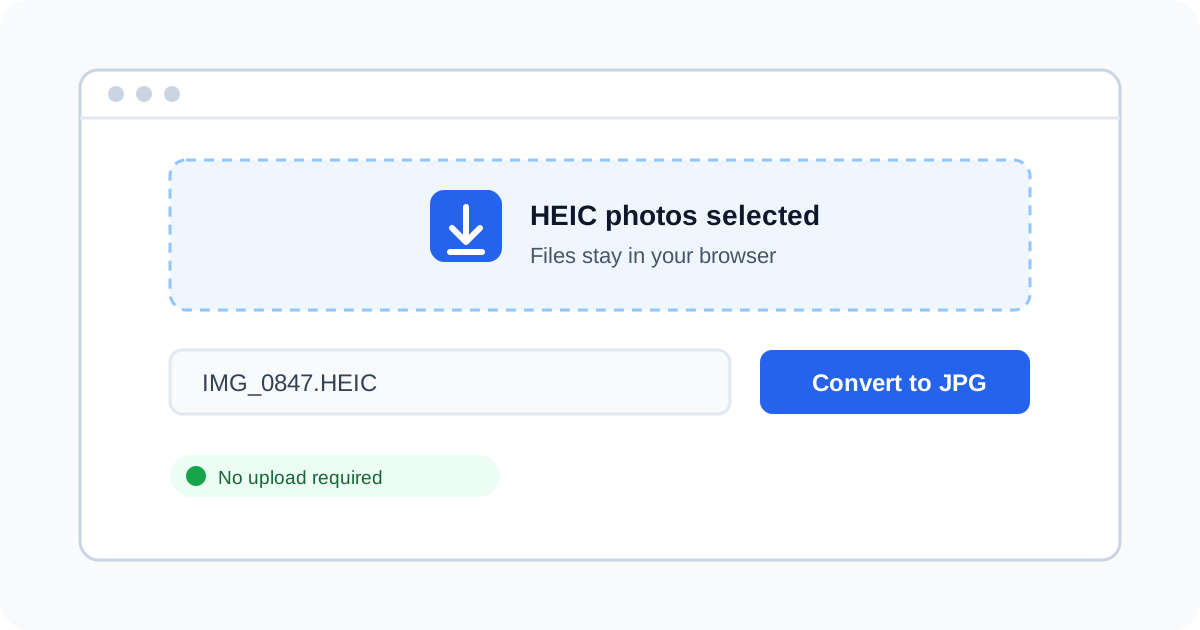
Convert HEIC to JPG in four steps
1
Select your HEIC photos
Drag HEIC files into the converter or choose them from your device. You can select one photo or several photos at once.
Tip: Keep the original HEIC files if you need the smallest file size or original metadata.
2
Choose JPG and quality
Set the output format to JPG and adjust quality when you need a smaller file. JPG is accepted by most websites, apps, and Windows computers.
Tip: High quality is a good default for photos; lower quality creates smaller files for sharing.
3
Convert locally in your browser
Start the conversion. The image is decoded and converted on your device instead of being sent to a remote server.
Tip: You can disconnect from the internet after the page loads to verify that local conversion still works.
4
Download your JPG files
Download each converted photo or download the whole batch as a ZIP file. The JPG files are ready to attach, edit, or upload.
Tip: For a very large batch, work in smaller groups to reduce memory use on older devices.
Common HEIC to JPG questions
Can I convert HEIC to JPG without uploading photos?
Yes. This converter runs in your browser and processes the images locally. Your HEIC files are not uploaded to a conversion server.
Can I convert multiple HEIC files at once?
Yes. Select multiple files, convert them together, and download the results individually or as one ZIP archive.
Will converting HEIC to JPG reduce quality?
JPG uses lossy compression, so the output can be larger and may lose a small amount of detail. Choose a higher quality setting when detail matters.
Why does a HEIC conversion fail or get stuck?
Very large files, large batches, low device memory, or an outdated browser can interrupt conversion. Try fewer files, close other tabs, and update your browser.
Ready to convert your HEIC photos?
Use the private browser converter to create JPG files in seconds.
Convert HEIC to JPGOurs doesn't.